.webp) reviewgameapp.com
reviewgameapp.com10 Pro Tips to Fix Traffic Jams in Cities: Skylines
Introduction

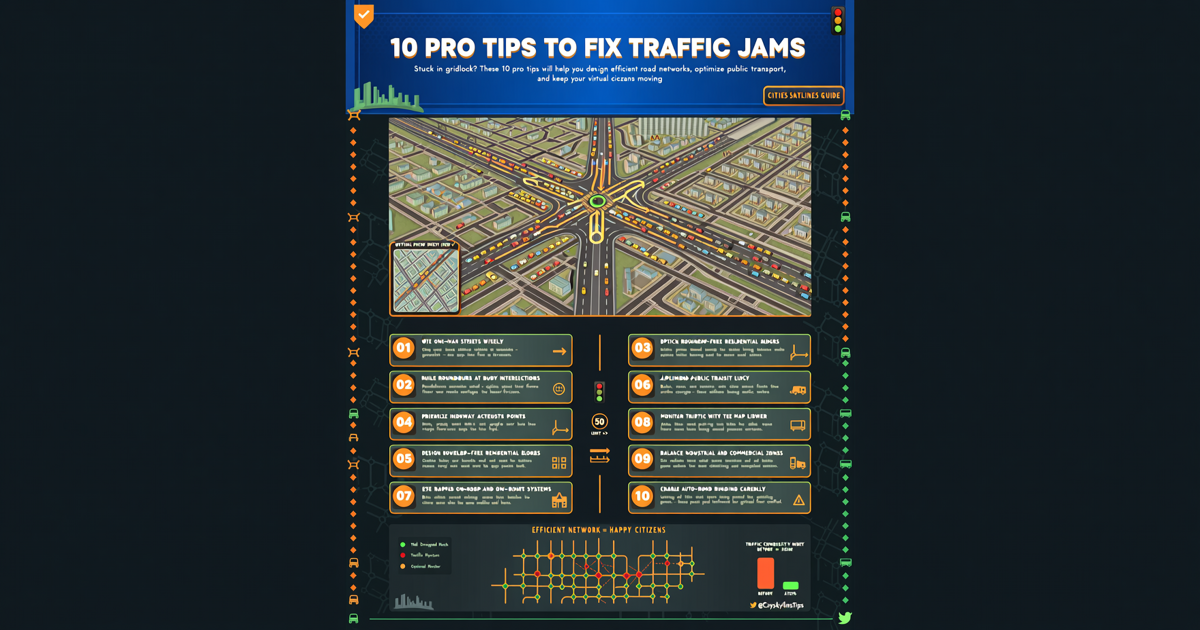
Traffic management is the bane of every Cities: Skylines mayor. No matter how beautiful your city looks, if cars are backed up for miles, your citizens will revolt. Fear not – these 10 tips will transform your gridlocked nightmare into a flow of bliss.
1. Embrace the Road Hierarchy
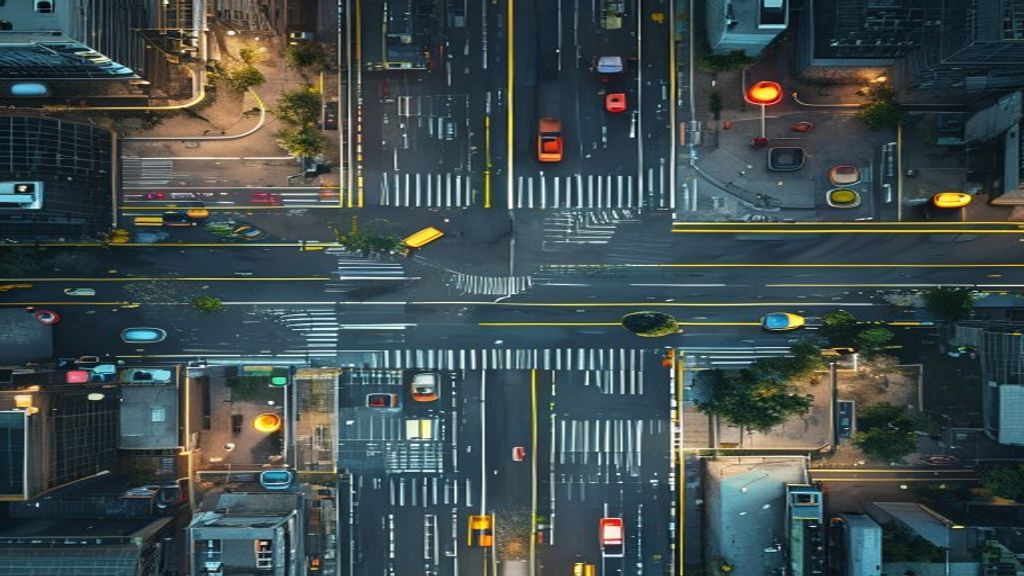
The number one rule: not all roads are equal. Use a clear hierarchy:
- Highways – for high-speed, long-distance travel.
- Arterial roads – connect districts to highways; 4-6 lanes.
- Collector roads – distribute traffic within districts; 2-4 lanes.
- Local roads – low speed, access to buildings; 2 lanes.
Avoid connecting local roads directly to highways; always use collectors and arterials as buffers.
2. Use Roundabouts Wisely
Roundabouts can replace traffic lights at busy intersections, keeping traffic flowing. However, don't overuse them – on high-speed roads, they can cause bottlenecks. For best results, use a two-lane roundabout with proper yield signs (use the Traffic Manager mod for fine control).
3. Separate Uses with Districts
Mix industrial and residential? You’re asking for trucks to clog your suburbs. Use districts to keep heavy traffic away from housing. Place industry near highways and cargo hubs, and create pedestrian-friendly residential zones with limited through-traffic.
4. Public Transport is Your Friend
Buses, metros, and trains reduce car count dramatically. Design routes that complement your road network:
- Metro lines should follow arterial roads.
- Bus lines feed into metro stations.
- Ensure stops are within walking distance (256 units) of homes and workplaces.
Use the Transport Lines Overlay mod to visualize and adjust coverage.
5. Pedestrian Paths and Walkability
Citizens will walk if the path is shorter than driving. Build pedestrian paths over and under roads, and create shortcuts between neighborhoods. A well-connected walking network can cut traffic by 20-30%.
6. Optimize Zoning Density
Don't zone high-density everywhere. Keep high-density commercial and offices near public transport hubs, and low-density on collector roads. Spread high-density residential along metro lines – that’s where they want to live.
7. Master Intersections
Bad intersections are traffic death traps. Use the Move It! mod to tweak lane arrows and add dedicated turning lanes. Avoid intersections too close together – keep at least 50 units apart on arterial roads. Use T intersections over cross intersections when possible; they have fewer conflict points.
8. Separate Freight and Passenger Traffic
Freight trains, cargo harbors, and cargo airports should have dedicated routes that bypass passenger rail and roads. Use one-way roads to create truck-only corridors, and place industry near cargo stations to minimize long-distance truck travel.
9. Use One-Way Roads and Service Interchanges
One-way roads can handle higher volumes – use them for major arterials. At highway exits, use a proper interchange (e.g., diamond or parclo) instead of a simple intersection. Avoid building interchanges too close to each other; merge exit lanes over long distances.
10. Mods and Tools to the Rescue
Vanilla tools are limited. Essential mods for traffic:
- Traffic Manager: President Edition – control lane arrows, speed limits, timed traffic lights, and more.
- Move It! – move nodes, align roads, and fine-tune intersections.
- Network Multitool – create custom road shapes and better intersections.
- CSL Show More Limits – see when roads are near capacity.
Conclusion
Fixing traffic in Cities: Skylines takes practice, but with a solid road hierarchy, robust public transport, and a few mods, you can turn that parking lot into a flowing river. Remember: a happy city is a moving city. Now go build!